
To perform parallel processing in Gaussian, you can utilize Gaussian’s built-in capabilities to use multiple processor cores. This can significantly reduce quantum chemistry calculation times. The following explains how to set up parallel processing in Gaussian:
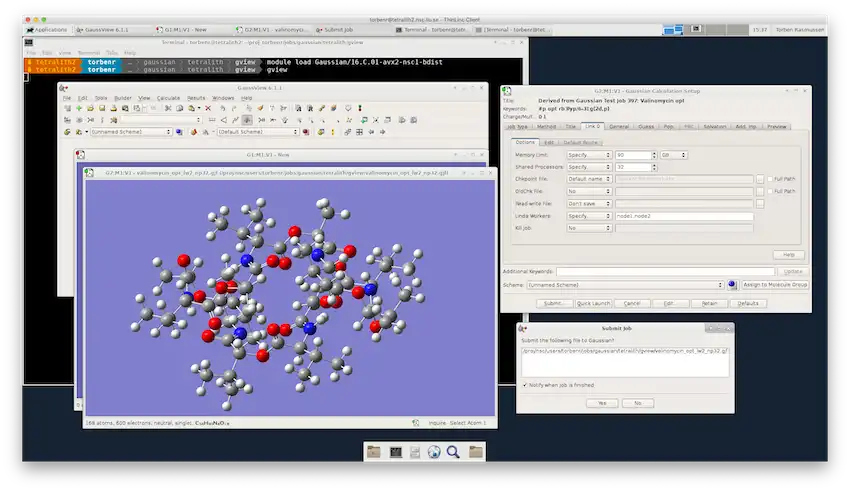
input.gjf. You need to add the keywords nproc and mem to the input file. %NProcShared=4 %Mem=4GB Your Gaussian route section here Title Card Required 0 1 Your molecular structure here In this example:- %NProcShared=4 specifies that Gaussian should use 4 processor cores.- %Mem=4GB determines the amount of RAM allocated to the calculationsg16 < input.gjf > output.log Here, input.gjf is the input file, and output.log is the output file where the calculation results are stored.Default.RouteDefault.Route%NProcShared=4 %Mem=4GBBy following these steps, you can benefit from the parallel processing capabilities in Gaussian and reduce your computation time.