
To perform parallel processing in Abaqus, you can use the Multi-Processing or Parallel Processing feature. This allows you to perform heavy calculations using multiple processor cores and significantly reduce simulation time. Below are the general steps for performing parallel processing in Abaqus:
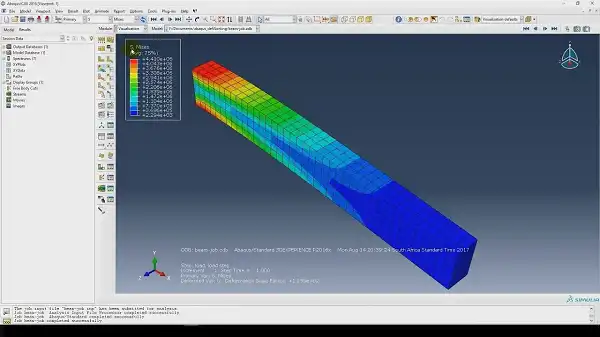
abaqus command with the cpus parameter. This is usually done in the command line. Example: Suppose you want to use 4 cores: Bashabaqus job=YourJobName cpus=4abaqus_v6.env file. This file is usually located in the Abaqus installation directory or your working directory. Example: Add or modify the following lines in the abaqus_v6.env file: mp_mode=THREADS mp_num_threads=4 mp_mode=THREADS specifies that multi-threaded processing should be used. mp_num_threads=4 determines the number of cores you want to use.Create or edit an existing Job.General tab, find the Parallelization option.Number of processors field.By following these steps, you can benefit from the parallel processing capabilities in Abaqus and reduce your computation time.